WindowsClassroom

WindowsClassroom

WindowsClassroom is a tutorial blog for solutions related to operating system Windows. Here you can get the solutions for Windows 10, 8, 7 and some other issues related to Internet, Browser, etc.


  • Home
  • OS
    • Windows 10
    • Windows 8
    • windows 7
    • Mac
    • IOS
  • Internet
  • Browser
  • Windows Error
  • Downloads
  • Review
  • Privacy Policy
  • CONTACT US
  • Guest Post
how to find wifi password on windows 10
Windows 10 

How to Find WiFi Password on Windows 10

March 1, 2018September 2, 2021 Ajit Yadav 3 Comments

How to find wifi password on windows 10: In case you wish to find wifi password on Windows 10, you

Read more

how to make windows 10 look like windows 7
Windows 10 

How to Make Windows 10 Look Like Windows 7

March 1, 2018September 2, 2021 Ajit Yadav 0 Comments

How to make windows 10 look like windows 7: Undoubtedly Windows 10 is a great operating system still many people

Read more
how to enter bios in windows 10
Windows 10 

How to Enter BIOS Windows 10

March 1, 2018September 2, 2021 Ajit Yadav 1 Comment

How to enter bios in windows 10: Windows 10 offers a range of options that you can apply to configure

Read more
how to install fonts in windows 10
Windows 10 

How to Install, Delete and Manage Fonts on Windows 10

March 1, 2018September 15, 2021 Ajit Yadav 0 Comments

Here you will learn how to install fonts in windows 10 and how to manage them: Calligraphy. A form of

Read more

how to get control panel in windows 10
Windows 10 

How to Get Control Panel in Windows 10

March 1, 2018September 2, 2021 Ajit Yadav 0 Comments

How to get control panel in windows 10: There are different ways that can help you get control panel in

Read more
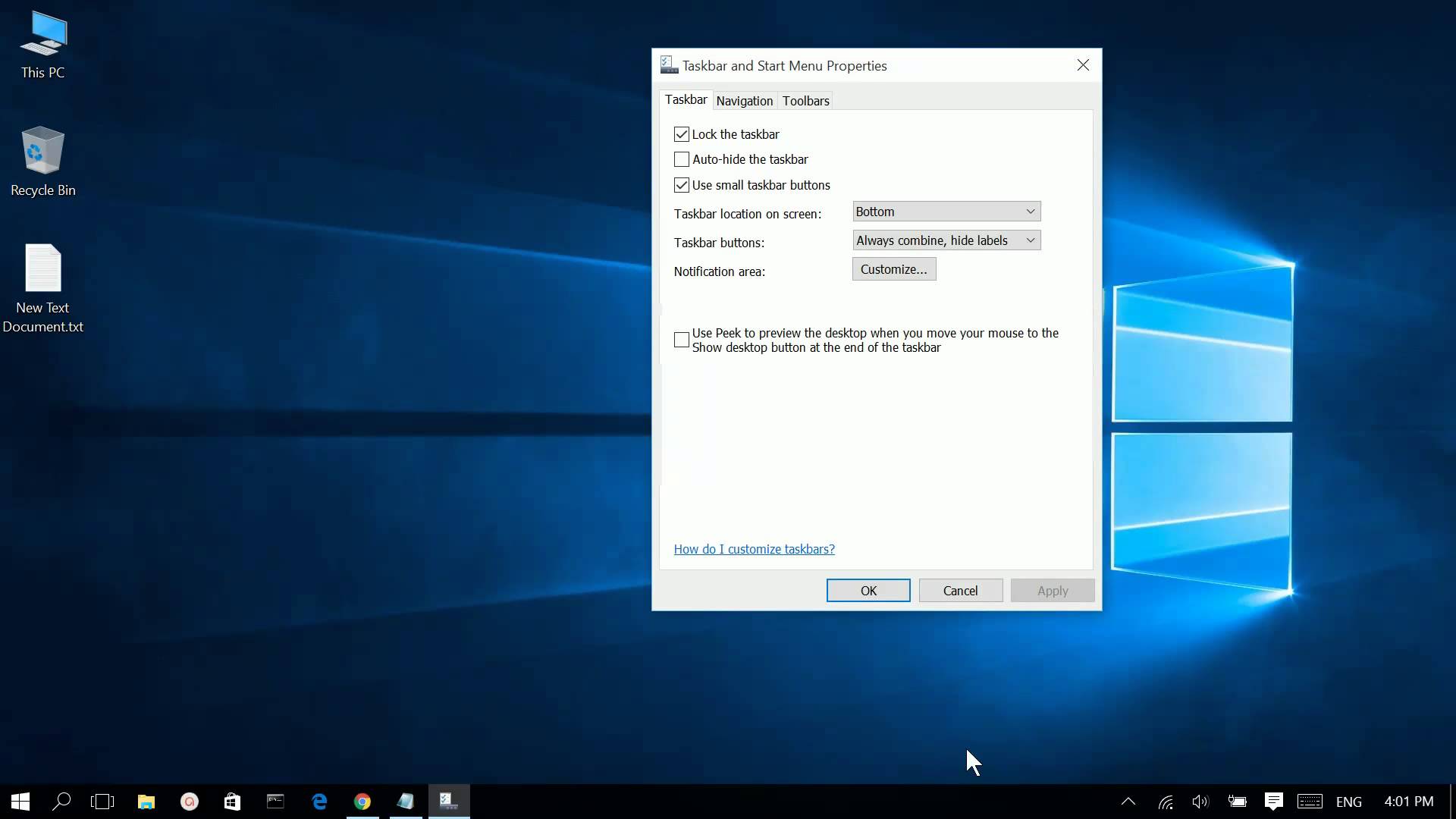
hide taskbar windows 10
Windows 10 

How to Hide Taskbar Windows 10

March 1, 2018September 2, 2021 Ajit Yadav 3 Comments

Now it is possible to hide taskbar Windows 10 automatically. Let us understand how to do it. Let us first

Read more
how to partition a hard drive windows 10
Windows 10 Computers 

How to Partition a Hard Drive Windows 10

March 1, 2018September 2, 2021 Ajit Yadav 1 Comment

How to partition a hard drive on Windows 10: Normally there is a single partition provided by computer manufacturers on

Read more
how to setup dual monitor in windows 10
Windows 10 

How to Setup Dual Monitors Windows 10

February 28, 2018September 2, 2021 Ajit Yadav 7 Comments

Dual Monitor setup Windows 10: There are times when you need more than one monitor to complete the task quickly.

Read more
How to disable windows defender on windows 10
Windows 10 

How to Disable Windows Defender on Windows 10

February 28, 2018September 1, 2021 Ajit Yadav 2 Comments

How to disable windows defender on windows 10: If you want to disable Windows defender once for all on Windows

Read more
split screen windows 10
Windows 10 

How to Split Screen on Windows 10

February 28, 2018September 1, 2021 Ajit Yadav 4 Comments

The best method to split screen on Windows 10 is to choose the option offered by Windows 10 called snapping.

Read more
get help in windows 10
Windows 10 

How to Get Help in Windows 10

February 20, 2018September 1, 2021 Ajit Yadav 34 Comments

How to get help in windows 10: If you are facing problems with Windows 10, you can get quick answers

Read more
How to take a screenshot on windows 8
Windows 8 Windows 10 

How to take a screenshot on windows 8, 10

February 20, 2018September 6, 2021 Ajit Yadav 0 Comments

It is easier to take screenshots in Windows 8 and windows 10 as Windows makes the job simpler. Rather than

Read more
Windows 10 Computers 

Best Ways to Remove Write Protection from Your Pen Drive

February 20, 2018September 1, 2021 Ajit Yadav 0 Comments

Best Ways to Remove Write Protection from Your Pen Drive: Write protection seems to be tedious task and it can

Read more
  • Next →

Search


Recent Posts

  • Wi-Fi Adapter Disappeared After a Windows Update? Fix It in 6 Steps
  • Windows 11 Won’t Install? Check for TPM 2.0 in Three Minutes
  • Intel 13th/14th Gen Crashes & BSODs? Here’s the Fix
  • Lost BitLocker Recovery Key After Windows Update? Find It Here
  • Blue Screen After a Windows 11 Update? Fix the Top 8 Codes
  • Fix Windows 11 Update Error 0x800F0922 (and 6 Related Codes)
  • Building a Scalable B2B Ecommerce Infrastructure for Growing Businesses
  • Windows 10 End of Support One Year Later: What Businesses Should Do Now
  • How Cloud Hosting Improves Website Speed and Performance
  • How to Choose the Right VPS Hosting Plan for Your Business

Categories

  • Browser (18)
  • Computers (27)
  • Download (6)
  • Error (4)
  • Internet (85)
  • IOS (7)
  • Mac (11)
  • Review (7)
  • SEO (4)
  • Social Media (2)
  • Technology (27)
  • Uncategorized (1)
  • Web (1)
  • Windows 10 (186)
  • Windows 11 (6)
  • windows 7 (10)
  • Windows 8 (13)
  • Windows Error (23)
Copyright © 2026 WindowsClassroom. All rights reserved.
Theme: ColorMag by ThemeGrill. Powered by WordPress.